A digital wardrobe you will actually use.
Add the clothes, shoes and accessories you own, and see them the way you would in a well kept closet: clean photographs, clear categories and every detail in one place.
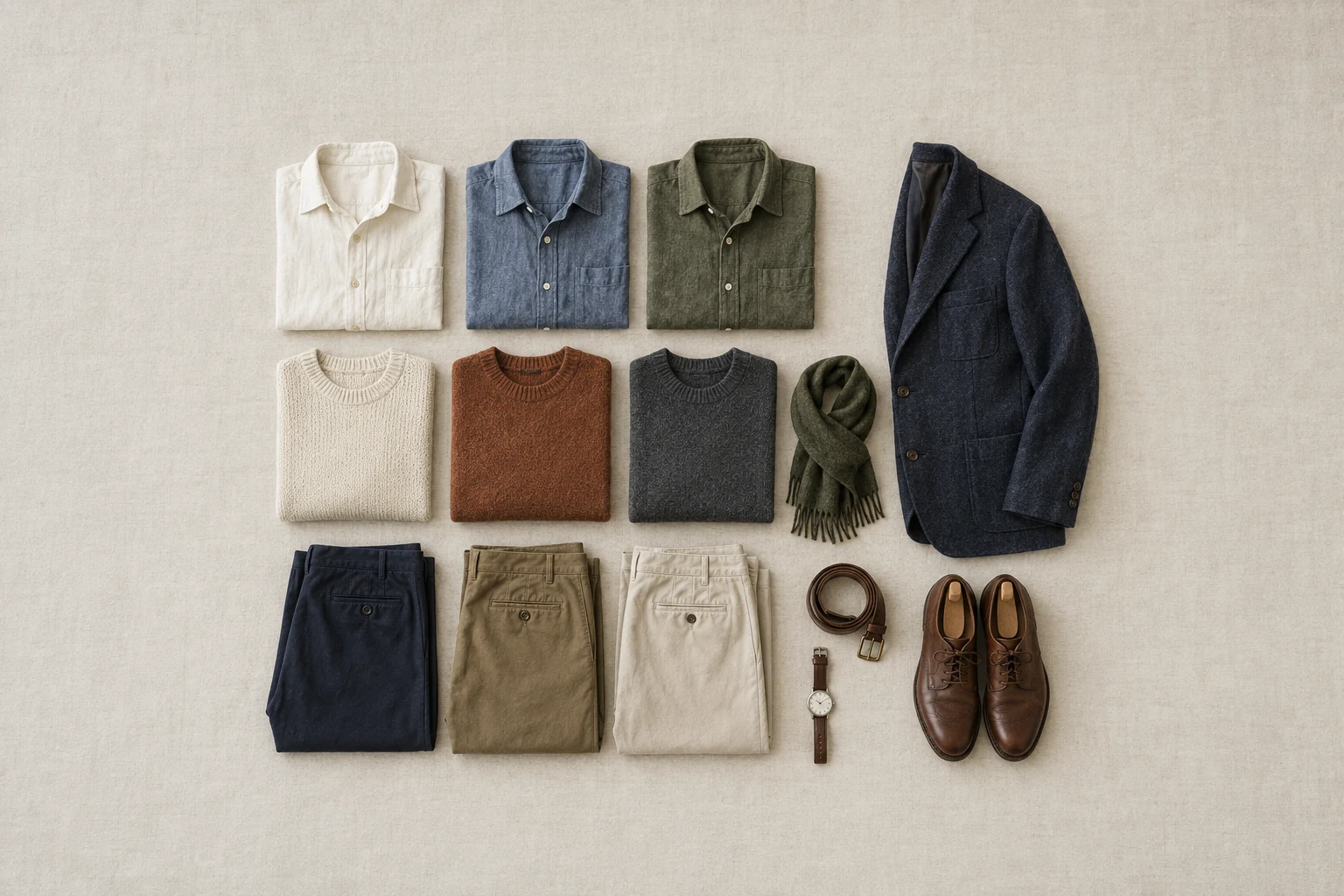
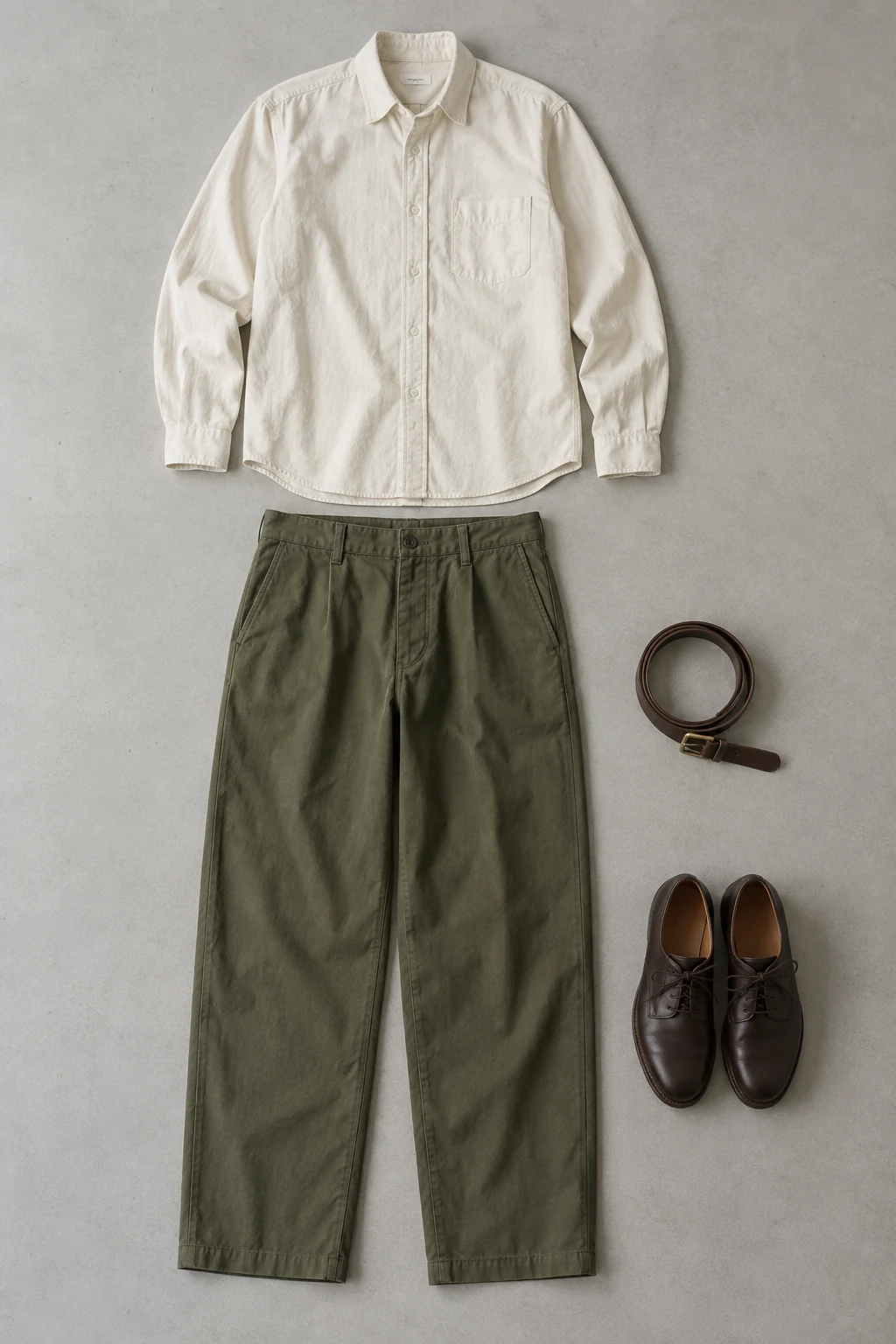
Add pieces from your photos
Take a photo or choose one from your library.
How it works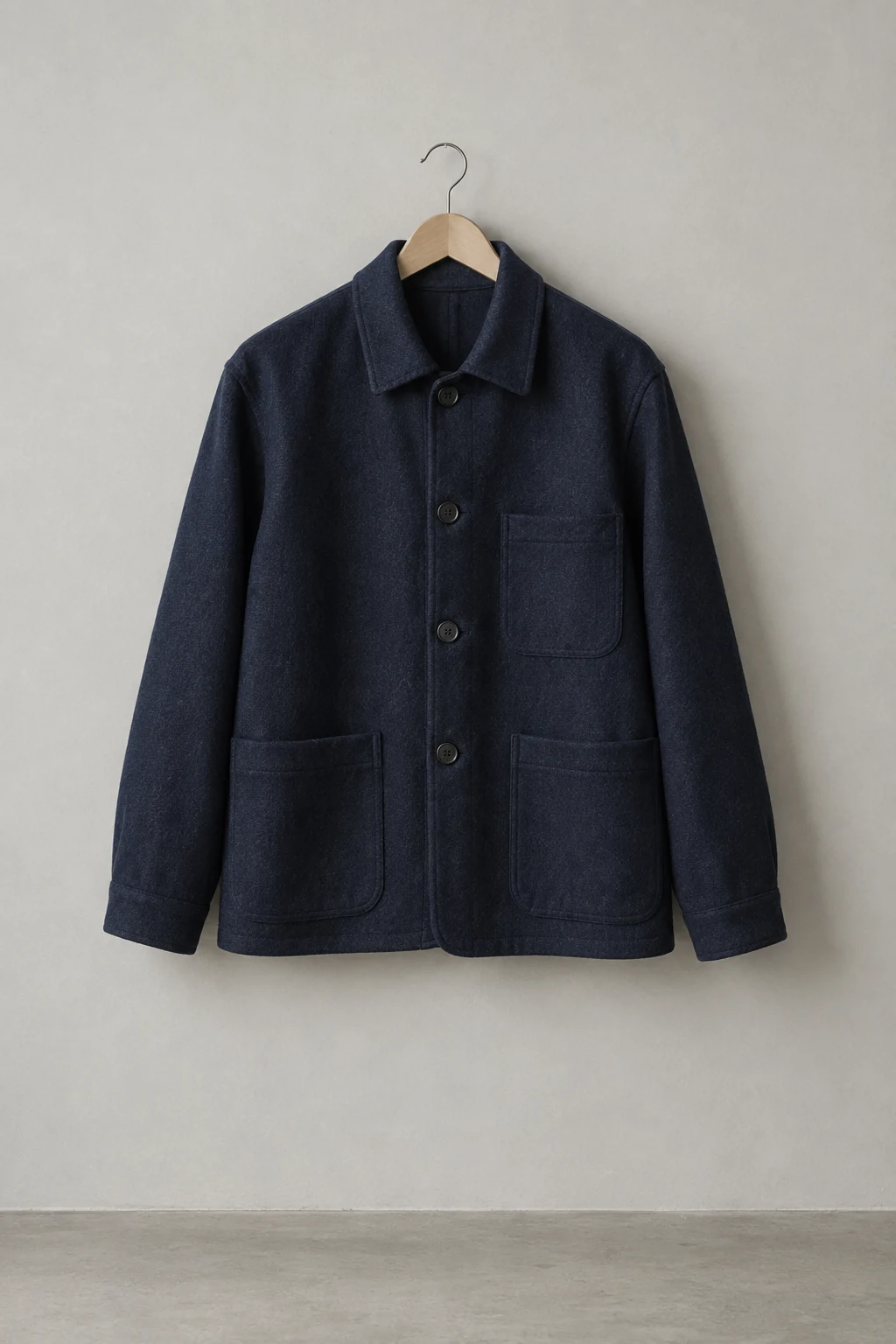
Clean studio covers
Every piece can have a clean, consistent cover image made from your photo, so the whole wardrobe reads like a calm catalog rather than a camera roll.
How it works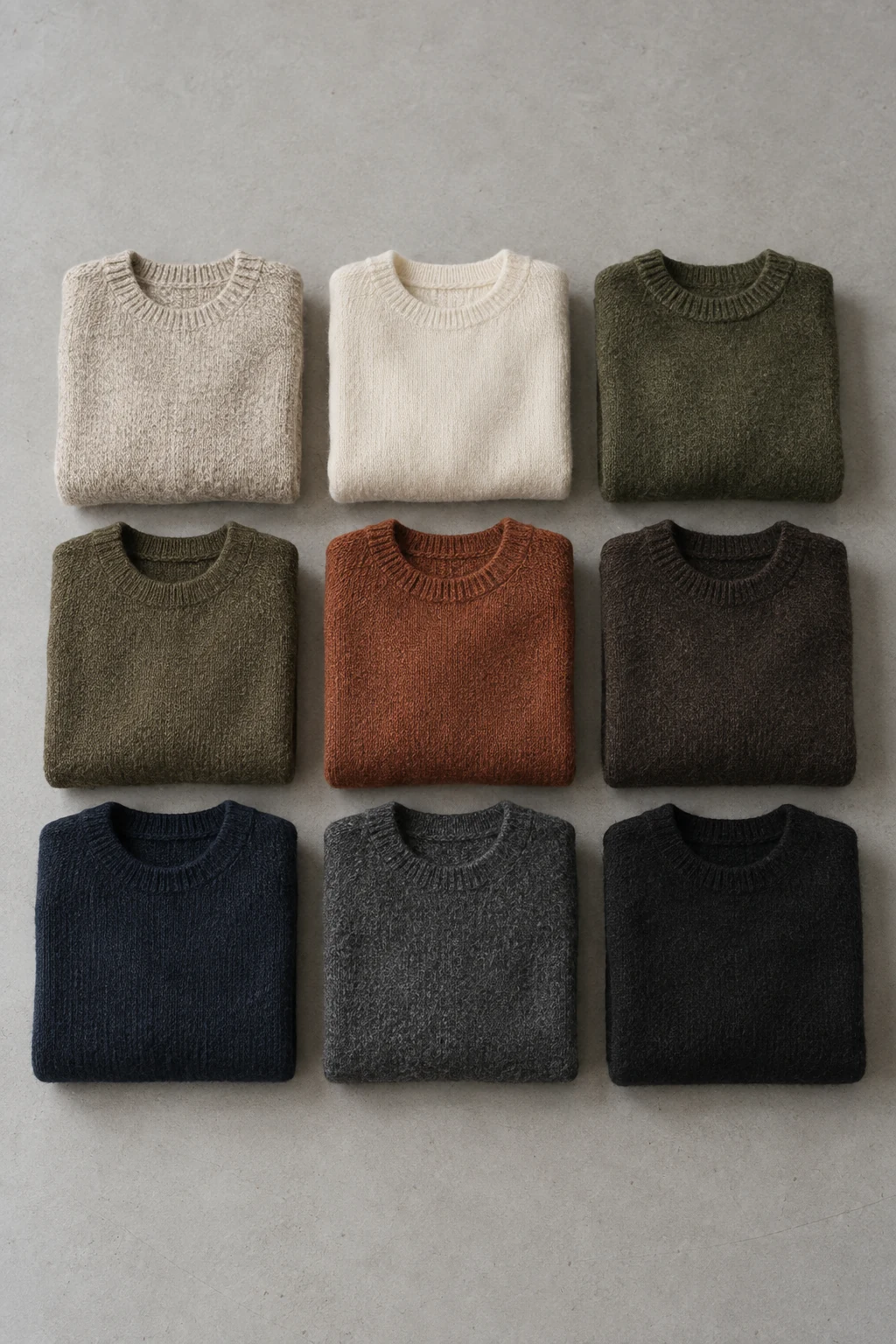
Organized the way you think
Sort pieces by category, season and the year you added them to your collection, and mark each one as something you own or something on your wishlist.
How it works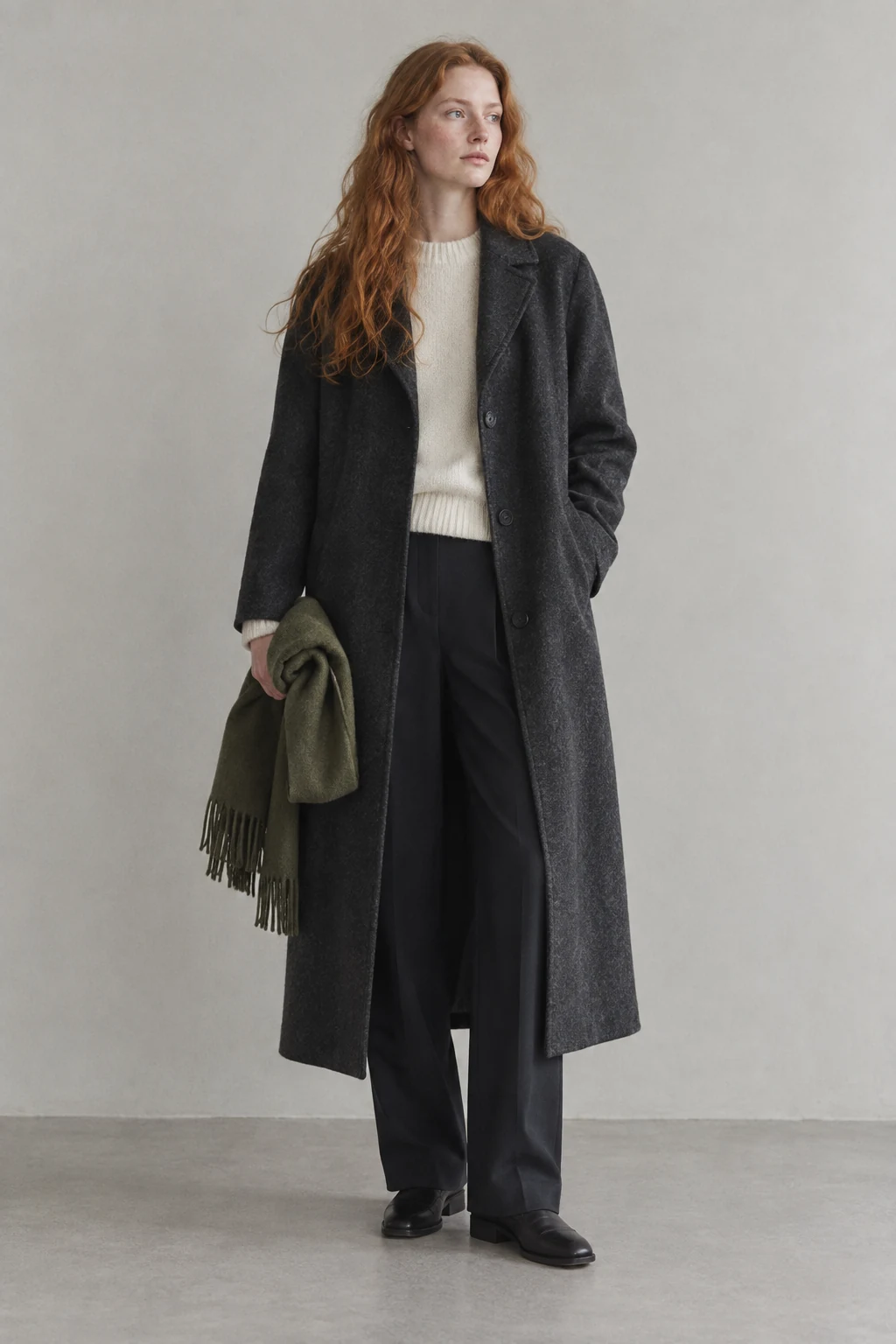
Safe when you change phones
After you sign in with Apple, your wardrobe details and saved looks are backed up to your Snaza account, with photos kept in private storage that only your account can reach.
How it works
Questions
What is a digital wardrobe app?
A digital wardrobe app keeps a photo and a few details for each piece of clothing you own, so you can see everything at once, plan outfits and notice what you actually wear. Snaza does this on iPhone with clean covers, categories, seasons and notes.
Do I have to photograph every piece at once?
No. Most people start with what they wear most this season and add the rest over time. A digital wardrobe is useful long before it is complete.
Can I add a piece I want to buy?
Yes. Mark it as a wishlist piece. Wishlist pieces stay separate from the clothes you own and are left out of laundry lists.
From the Journal
Guides that go with it.
Snaza for iPhone
Your wardrobe, on iPhone.
Your clothes, saved looks and daily plans. Together in Snaza.